Halving the website’s time-to-market
How we left a no-code builder without stopping sales, and how I started shipping the site myself
- Product Manager
- April — September 2026
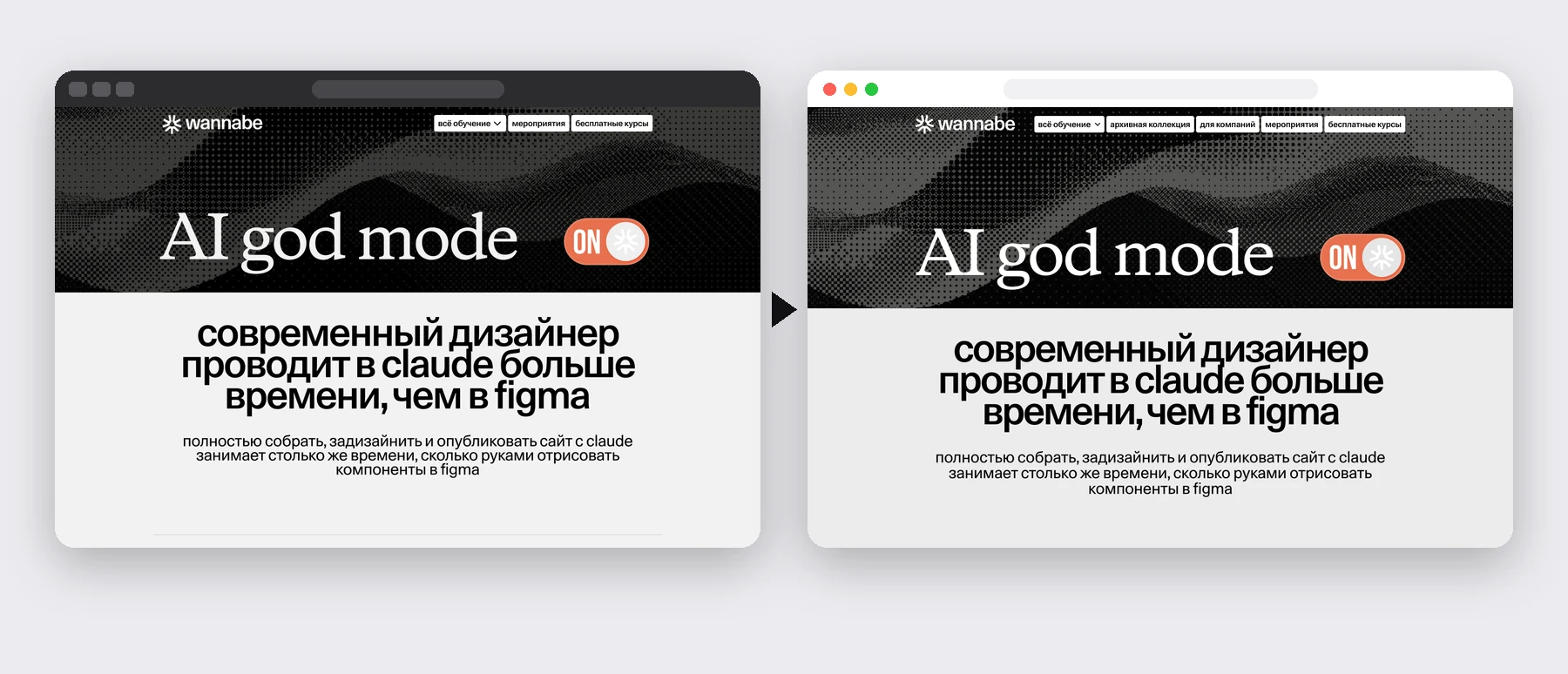
5–7 → 2–3
days from brief to a live page
×2
faster releases
×4
lower development cost per quarter
0
release rollbacks since the move
73
pages moved without stopping sales
50+
pages of infrastructure documentation before the move
Context and goal
Before
The site ran on the Webflow builder, and requests and payments were handled by automations in Make. Every page change went through in-house developers and took 5–7 days from brief to release. For a company launching products every week, that’s a direct loss: hypotheses wait in a queue.
Goal
In April 2026 the in-house developers left the company. We had to move the site to our own code without stopping sales for a single day, and make releasing pages faster and cheaper than before.
My role
Before the move I documented the company’s whole infrastructure. From April I owned the automations. A contractor developer moved the backend using my documentation, and we tested forms and payments together. From August I built pages from layouts with Claude Code, and from late August I owned the site’s releases.
The main condition: sales don’t stop
The site is the company’s checkout. So every decision in the move kept the old setup working until the new one was tested.
Move it as is first
A copy of the old site runs on the new platform right away, and pages are rebuilt one by one.
Leave live processes alone
Requests and payments keep flowing through proven automations, and the new site gets copies of them.
Speed with a safety net
AI speeds up page builds, and automatic checks keep errors away from users.
The same approach works for any migration: a CRM, a payment system, an internal tool.
A map of the system first
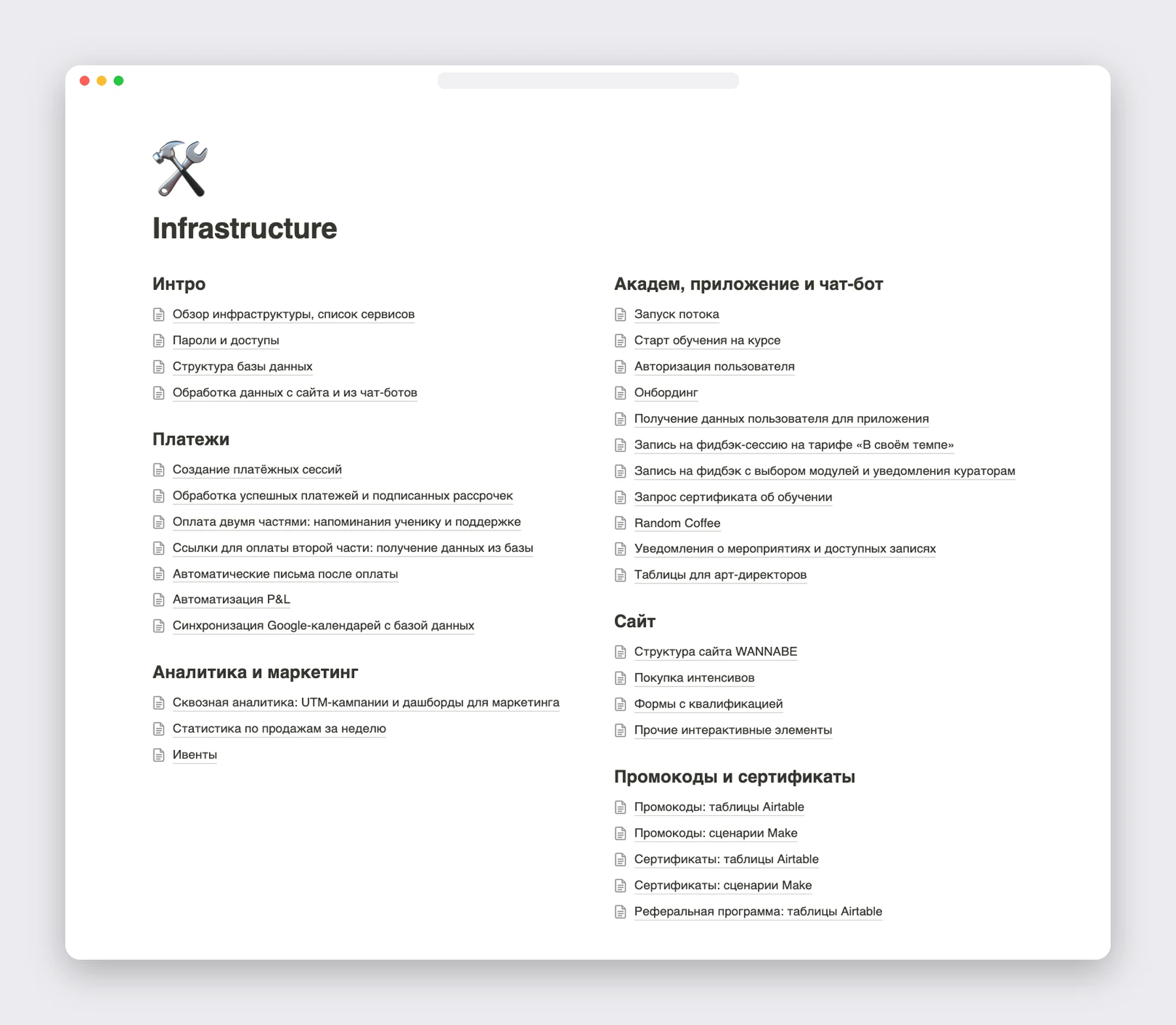
Documentation before the move. I documented the company’s infrastructure — payments, analytics, CRM and newsletters, the bot, the learning platform and the site — over 50 pages. The contractor moved the backend from it, and later outsourced developers and marketing worked from it.
An automation map. We went through all 178 flows in Make, 93 of them live, and marked which part of the system each belongs to. That made it clear what was moving and what must not break.
- A page on the builder
- Request or payment
- Automation in Make
- CRM, payments, newsletters
- Page change through developers: 5–7 days
- A page in our own code from the design system
- Request or payment
- A tested copy of the automation in Make
- CRM, payments, newsletters
- Page change: me with Claude Code, 2–3 days
A move without stopping sales
The whole site from day one. We copied all 73 pages and ran the copy on the new platform. Users didn’t notice the move, while we rebuilt pages from layouts one by one and switched them separately.
Requests and payments without risk. We didn’t touch the live automations. The new site got copies of them, and before the switch we tested every payment method and every form on staging.
No traffic lost. Old links from newsletters, ads and search kept leading to the right pages, and the old version of the site was hidden from search engines so results wouldn’t show duplicates.
Design system and building with AI
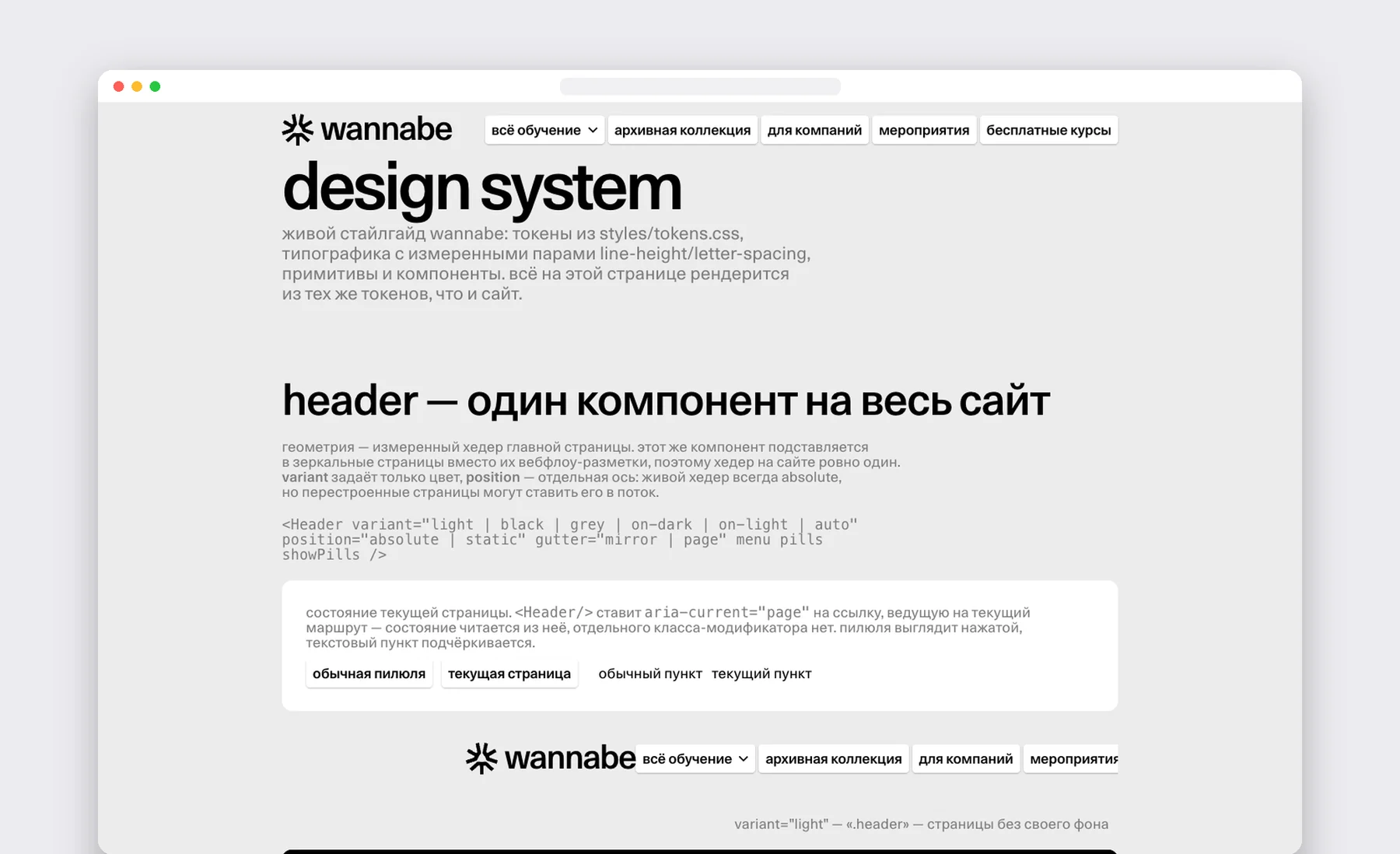
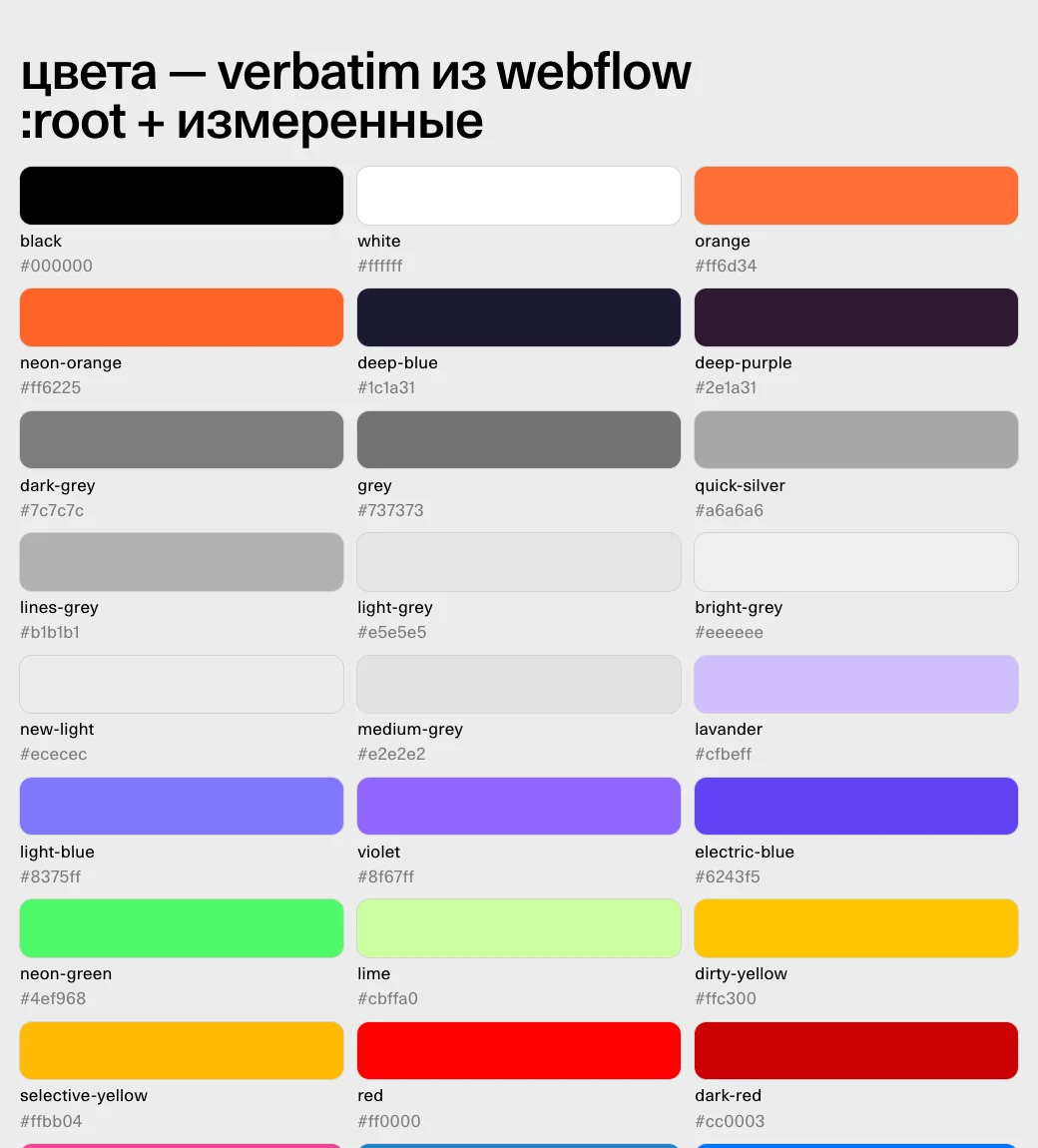
One source of truth for design. Colours, fonts, sizes and spacing are defined in one place, and pages are built from shared components. So new pages look consistent and get built faster.
A living style guide. A dedicated page shows every design-system element exactly as it looks on the site. Designers and everyone who builds pages check against it.
Building with AI. Claude Code reads the layout from Figma and builds the page from ready components. My part is to set the task, check the result on phone, tablet and desktop and decide what goes into the release.
› Colour tokens
Speed with a safety net
Why it matters. When a product manager ships the site with AI, you need rules that keep what users see from breaking. We built them into the process itself: checks run automatically, so nobody has to remember them.
1
Change
An automatic check that no access keys got into the code and that documentation was updated together with the logic.
2
Push
Automated tests and a payment check. If anything fails, the code doesn’t go further.
3
Staging
Checked by hand on three screen widths and with test payments.
4
Release
Shipped with one command and an automatic check that the site works.
5
Rollback
The previous version is kept, and restoring it is one command.
What it gave the business. A page’s path from brief to release shrank from 5–7 to 2–3 days, releases became 2x faster and development costs 4x lower. Since the move not a single release has had to be rolled back, and the team tests more hypotheses per season.
What didn’t work
A success status hid lost releases. After moving to a new server, the old automatic release still reported success, but changes didn’t reach users: two releases were lost this way. I moved releases to a process with checks, and after every release I look at the changes on the live site.
One error stopped all requests. A repeat request from the same person created a duplicate, and the automation service switched the whole flow off: requests stopped coming in. I found the cause and restored the flow, and all queued requests went through. Lesson: critical processes need monitoring and duplicate protection.
What works in any product
- 01
A map of the system before the move. Without it, it’s unclear what to move and what must not break.
- 02
Move it as is first, improve later. The old setup works until the new one is tested.
- 03
Leave live processes alone and test on a copy. Testing on a copy is cheaper than stopping sales.
- 04
Time-to-market is a product metric. The faster the release, the more hypotheses the team can test.
- 05
A success status isn’t proof. Check the result where the user sees it.
- 06
A small team needs automatic checks. They hold quality when there’s nobody to review.
«I recommend Ilya without reservation as someone who will get to the bottom of anything and find the shortest and most effective path to solving a problem, whether it is AI research, coding a page or building a large asset for the company end to end.»